
Spaces: a place for every subject
Full context for every subject: a plan, modules, notes, a calendar, quizzes, flashcards and chats.
Free includes 30 AI messages and up to 6 quiz or flashcard generations to try the AI features. Document uploads and commands for the tutor to freely edit a Space require Premium.
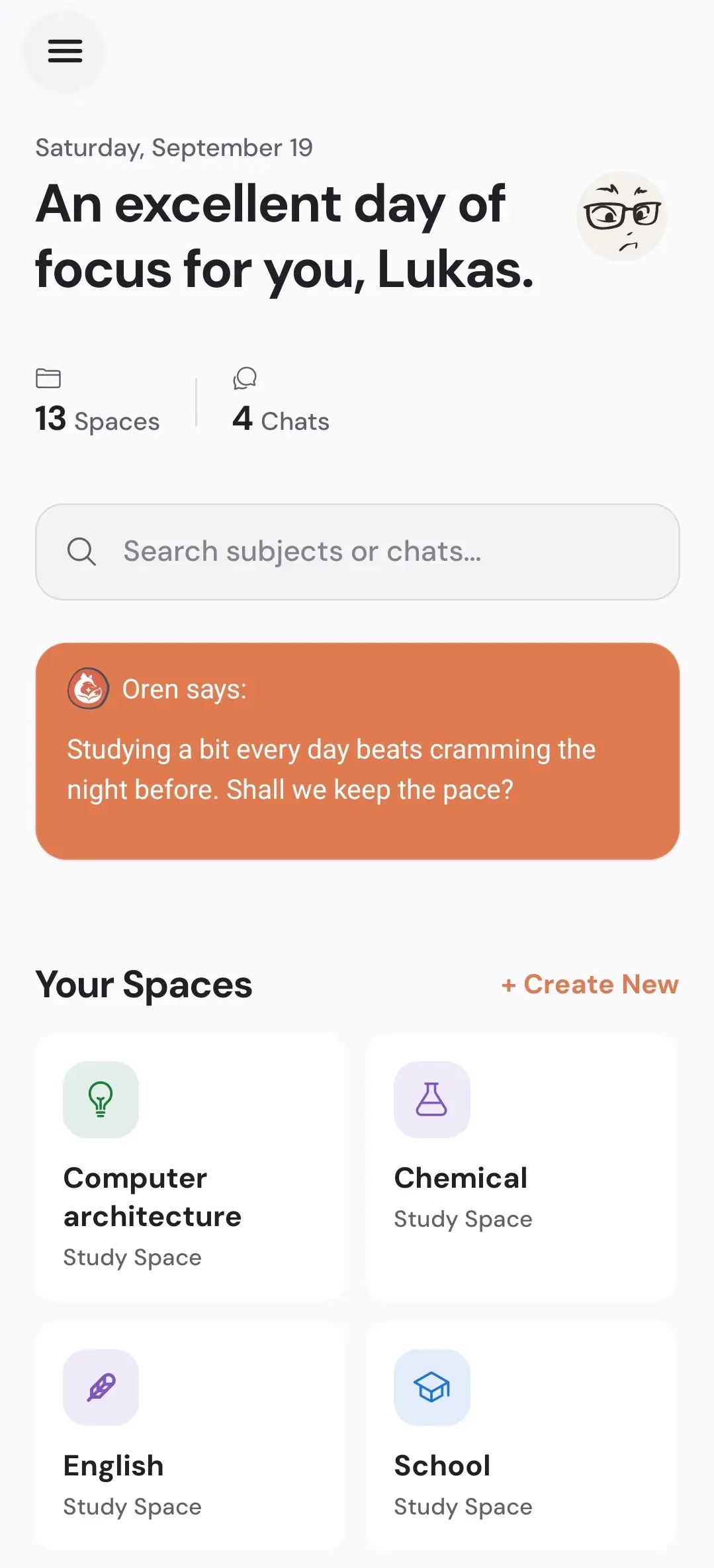
Everything together in one Space
A structured plan
Set goals for each module and track progress automatically.
Organized notes
Keep everything in one place, indexed and available for the AI to reference.
Calendar
Add exams, assignments and deadlines to your study calendar.
Context for the AI
Oren uses the context in this Space to give you more relevant help.
Keep each subject’s material together
Create a Space for a subject or study goal. Give it a recognizable name and collect notes, resources and conversations there. A mathematics Space might contain notes about functions, exercises and questions you want to discuss with the tutor.
Use the plan to follow topics and the calendar to check study commitments. Open the relevant Space when you switch subjects. Keeping this separation makes it easier to find an earlier conversation and understand which material belongs to which course.
Free includes up to three active Spaces and 25 MB of storage for manual organization, plus 30 AI messages and up to 6 quiz or flashcard generations. Document uploads and commands for the tutor to freely edit a Space require Premium. Sign in with the same account on the web and Android to access your data; using the services requires internet.
Create your first Space
Start with the subject you most want to organize.